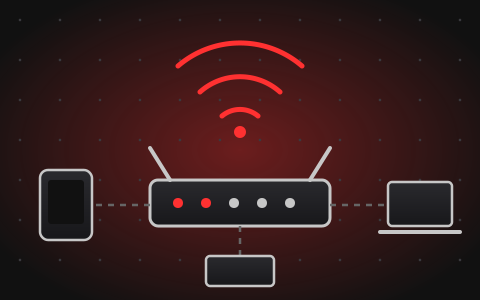
Slow Wi-Fi is often a matter of signal strength and congestion rather than a faulty router. A few quick checks will show whether the problem is inside your space or with the internet connection itself.
Quick checks
- Restart the router and wait a few minutes for it to reconnect.
- Move closer to the router. If speed improves, signal strength is the issue.
- Place the router in an open, central spot, away from walls, cupboards and metal objects.
- If your router offers 2.4 GHz and 5 GHz, try 5 GHz for speed at short range and 2.4 GHz for longer range.
- Connect one computer with a network cable. If that is fast but Wi-Fi is slow, the wireless part needs attention.
If the problem remains
Many devices on one router, an old router, or thick walls can limit performance. If wired speed is also slow, contact your internet provider. If only Wi-Fi is weak, router settings, placement or additional equipment may help.
For setup or a coverage problem in a larger space, see our network and Wi-Fi setup service or send an enquiry.